Drop files here
Compress PDF file
Make PDFs smaller while keeping top quality effortlessly
Select PDF files

or drop PDF here
Easily shrink PDF files online with PDFez. Free, fast, and secure - compress PDFs without losing quality.
-
Reduce file size without losing quality
-
Quick and easy PDF compression online
-
Works on any device or browser
Fast & Easy Online PDF Compressor
Compress large PDFs in seconds for email, sharing, or storage. Completely free, no software required.
Flexible Compression Options
Choose different levels to reduce file size while maintaining document quality. Quick, accurate, and professional results every time.
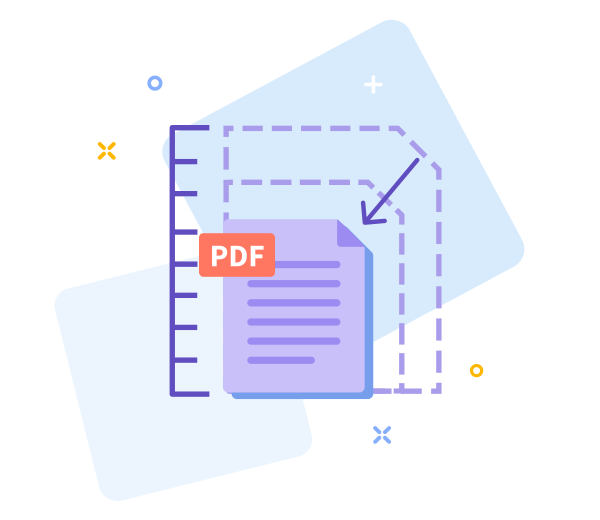
How PDF Compression Works
Our tool optimizes images and removes redundant data so your PDF stays high quality but much lighter.

Share PDFs Easily
After compression, share your PDFs with others via download link quickly and conveniently.

Work Faster With Smaller PDFs
Use PDFez to compress files instantly online. No installations, fast and easy to use.
Compress Safely Across Devices
Works on any browser or device - desktop, mobile, or tablet. Your files remain secure and private.
Data Privacy Compliant
All file processing complies with GDPR. Your PDFs are secure and deleted shortly after compression.
Change Options Easily
Not happy with results? Go back and adjust compression settings instantly for best results.
Secure & Encrypted
We use TLS encryption to ensure your files are fully protected during compression.
Cloud-Based Compression
Compress PDFs directly in the cloud. Upload, compress, download - no installation needed, free and easy.
Frequently Asked Questions
Yes. This Compress PDF tool is free to use online. You can reduce PDF file size without registration, watermarks, or software installation. Some limits may apply based on file size or usage.
The tool is designed to balance file size reduction and document quality. Text readability and layout are preserved while optimizing images to achieve smaller file sizes.
Yes. All files are protected with secure HTTPS encryption during upload and processing. Uploaded PDFs are automatically deleted from our servers after a short period to ensure privacy and data security.

How To Compress PDF Online for Free
Step-by-step guide to compress PDFs online with PDFez:
- Drag and drop your PDF into the tool
- Select the compression level you prefer
- Click 'Compress PDF' and wait a few seconds
- Download your compressed PDF
FAQs About PDF Compression
-
Is this PDF compressor free?
Yes, PDFez compression tool is completely free to use.
-
Is it safe to compress PDFs here?
Absolutely. All processing is encrypted and files are secure.
 Remove pages



This file requires password
Ignore these files

wrong password
Some file(s) requires password
Damaged/Corrupted File
We’re unable to handle files that are broken or corrupted. Please try opening it with a PDF viewer to check. If it doesn’t open, the file is likely damaged. Fix or re-save the file, then upload it again easily with PdfEz.