Drop files here
Convert PDF to EXCEL
Turn your PDF data into editable Excel spreadsheets in seconds.
Select PDF files

or drop PDF here
Quickly convert PDF to Excel online. Perfect for sharing sales figures or reports. Fast, free, and efficient.
-
Convert tables and sales figures from PDF to Excel
-
No installation needed and easy to use
-
Get editable Excel files instantly from PDFs
Convert PDF to Excel in seconds
Extract tables or invoices from PDF to Excel easily. PDFez makes PDF to Excel conversion fast and accurate.
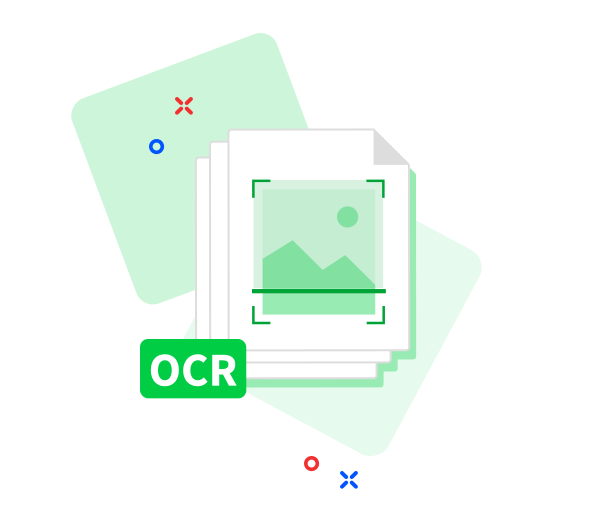
Supports scanned PDFs
Upload scanned PDFs or images like receipts or invoices. OCR technology extracts the data and converts it to Excel, free and accurate.
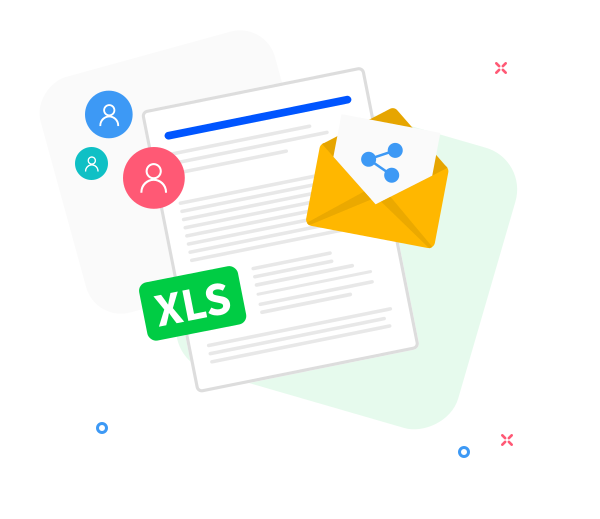
Collaborate easily
Share Excel files with your team. Generate download links to collaborate faster and more efficiently.
Accurate & Fast PDF to Excel
Upload PDFs and instantly convert them to Excel online. No downloads required, results appear in seconds.
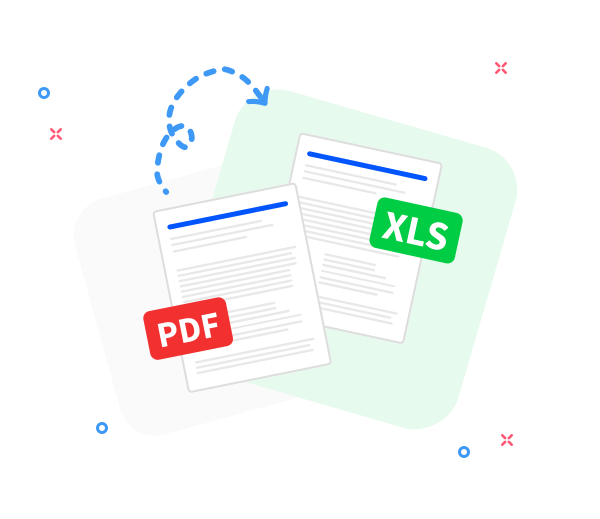
Reliable PDF to Excel Conversion
Preserves the original format. Export PDF tables to Excel without losing quality or layout.
Convert Anywhere, Anytime
Works on any device or OS, including mobile, desktop, and tablets. Fully responsive and accurate.
Batch Conversion Supported
Convert one or multiple PDFs at once. Fast, efficient, and highly accurate results.
Secure & Confidential
Your data is encrypted and deleted permanently after conversion. Full privacy guaranteed.
Safe PDF to Excel Conversion
TLS encryption ensures PDF to Excel conversion is completely secure.
GDPR Compliant
All processes comply with GDPR standards. You can trust PDFez with your data.
Frequently Asked Questions
Yes. This PDF to Excel converter is free to use online. You can convert PDF files into editable Excel spreadsheets without registration, watermarks, or software installation.
The converter is designed to accurately extract tables, rows, and columns from PDF files into Excel format. The best results are achieved with PDFs that contain structured, selectable text.
Yes. All files are protected using secure HTTPS encryption during upload and processing. Uploaded PDFs and converted Excel files are automatically deleted from our servers after a short period to ensure privacy and data security.

How to Convert PDF to Excel Online for Free
Step-by-step guide to convert PDF to Excel online:
- Select or drag & drop your PDF files into PDFez PDF to Excel tool.
- Sort files or remove any unwanted PDFs.
- Click “Convert to Excel” and wait a few seconds.
- Download your editable Excel files or share via link instantly.
 Remove pages




This file requires password
Ignore these files

wrong password
Some file(s) requires password
Damaged/Corrupted File
We’re unable to handle files that are broken or corrupted. Please try opening it with a PDF viewer to check. If it doesn’t open, the file is likely damaged. Fix or re-save the file, then upload it again easily with PdfEz.